NetSight - Encoder Audio Test
On-Screen People Meter Check-out Procedure
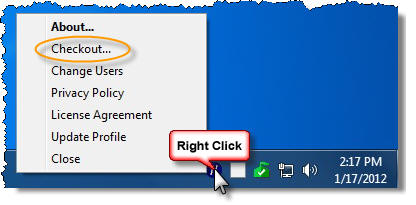
Note: The follow steps should be performed after logging into the OSPM with your Field Rep ID and launching the NetSight Check Out (NSCO) Tool from the system.
Step 1
Click Play on the media
player to the right.
(You should hear audio now.)
Note: If the player is unresponsive, click on the .mp3 or .wav file below.
MP3 Test Audio File | WAV Test Audio File
(These files will launch in a new window or tab.)
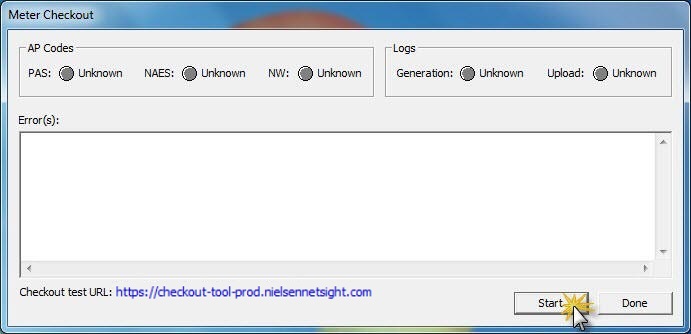
Click the Start button
in the NSCO application to begin the
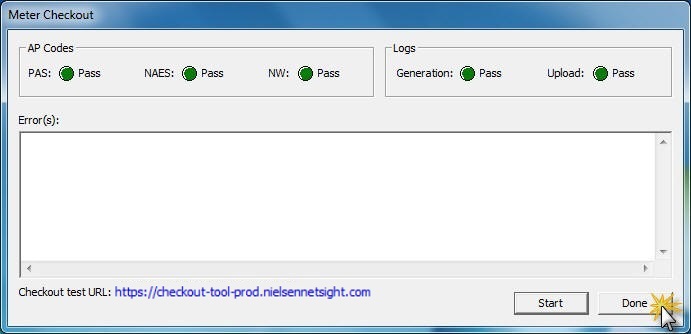
encoded audio test. Note: Allow up to 13 minutes
for the log file to upload.